
Waterjet Cutting
Abrasive waterjet cutting
Quality parts, on time, at a great price. Our ultra-high-pressure dynamic waterjet cuts virtually any material to a clean, accurate edge — with no heat input.
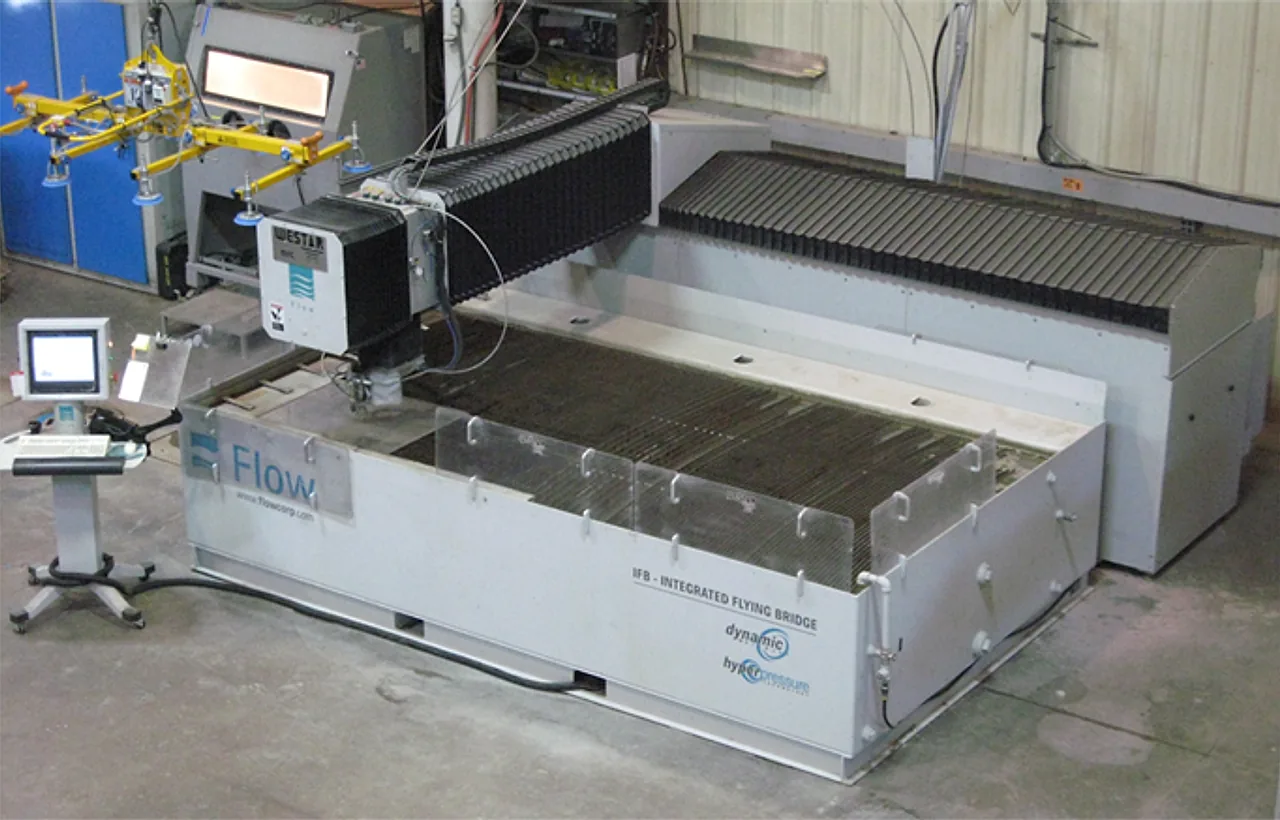
Our jet
State-of-the-art, 87,000 PSI dynamic head
The dynamic cutting head delivers faster cuts, clean straight edges, better parts and lower cost. Because waterjet adds no heat, there's no heat-affected zone — so material properties stay exactly as they should.
At a glance
- Pressure87,000 PSI
- HeadDynamic
- Max thicknessUp to 6"
- Heat-affected zoneNone
Why waterjet?
Advantages over laser
- Cuts up to 6" thick material
- No issue with reflective metals — brass, copper, aluminum
- No heat input, no heat-affected zone
- Hardened materials cut without changing temper
- Cuts heat-sensitive plastics, rubber & composites
- Also cuts wood, glass, stone, concrete & hard ceramics
vs. milling & plasma
- Setup & fixturingMinimal
- ProgrammingEasier & cheaper
- Cut speedTypically faster
- Added heatNone vs. plasma/oxy-fuel
Materials we cut
Gallery
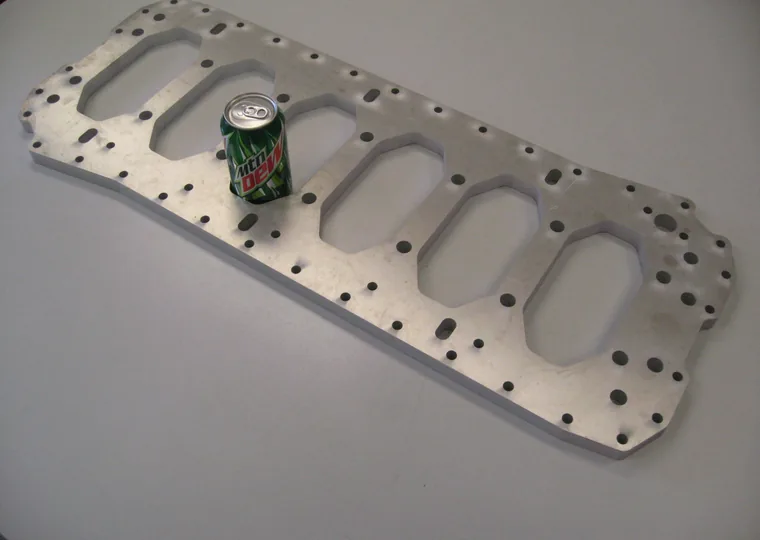
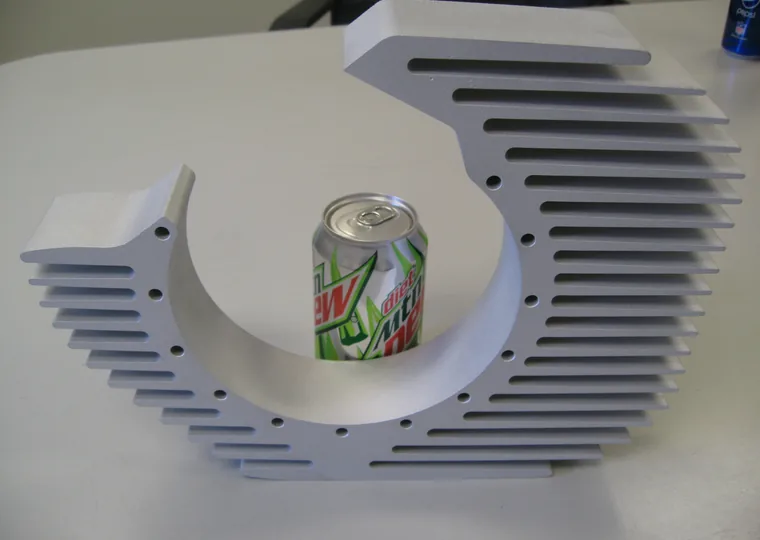
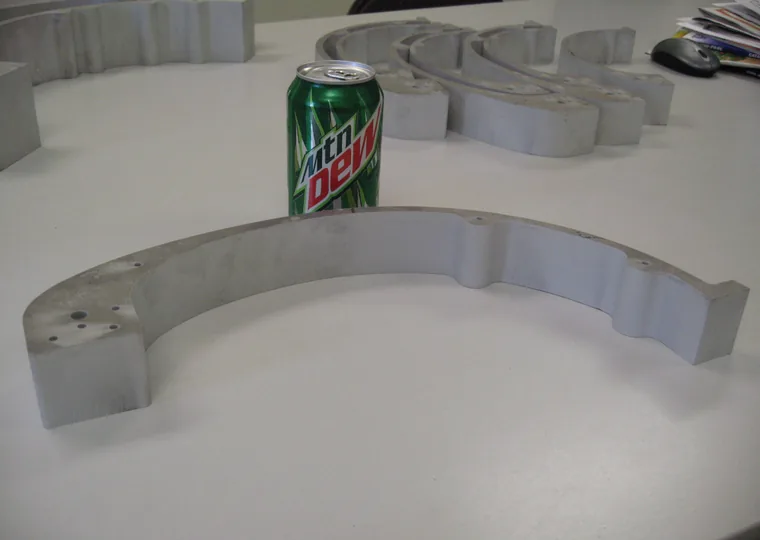
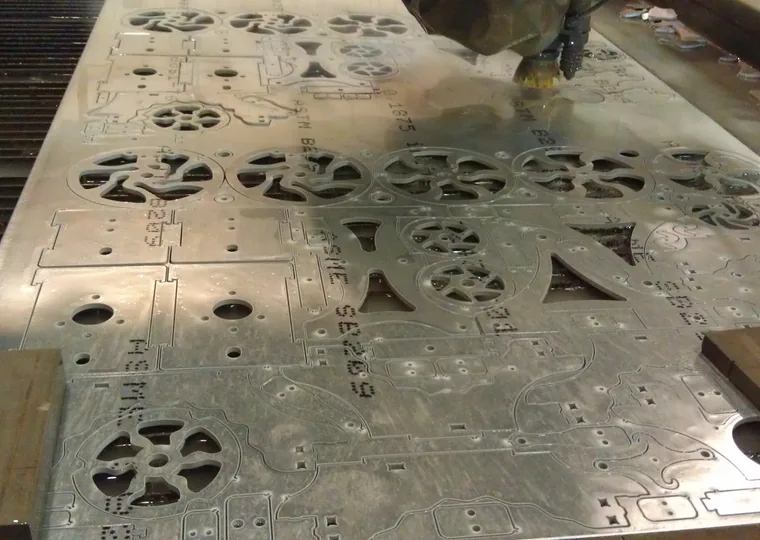
Custom parts, plate, signage and decorative work cut on our waterjet.
Design tips for waterjet
A few guidelines that help us cut the best part at the lowest cost:
- Tolerance is ±0.005" on most parts — slower feed rates can hold ±0.002" on select parts
- Minimum hole size 0.090" diameter
- Square inside corners cut to a 0.020" radius
- Larger inside or outside corner radii cut faster — lower cost
- Maximum material thickness 6"
- Maximum sheet size 6' × 12'
Sending us your part
Email a 2D DXF file along with the part quantity and material. We also accept dimensioned PDFs, faxed or mailed drawings, or a sample part (these may add a small engineering charge).
DXF file tips
- Include only the geometry to be cut — the perimeter plus any through-holes and cut-outs (no dimensions or notes needed)
- Add a 1" × 1" square with an "X" next to the part, used for scaling
- Double-check for broken or overlapping geometry
- If the part also needs machining or forming, include a dimensioned PDF drawing too